Configuration
Access the POS settings
-
Vào
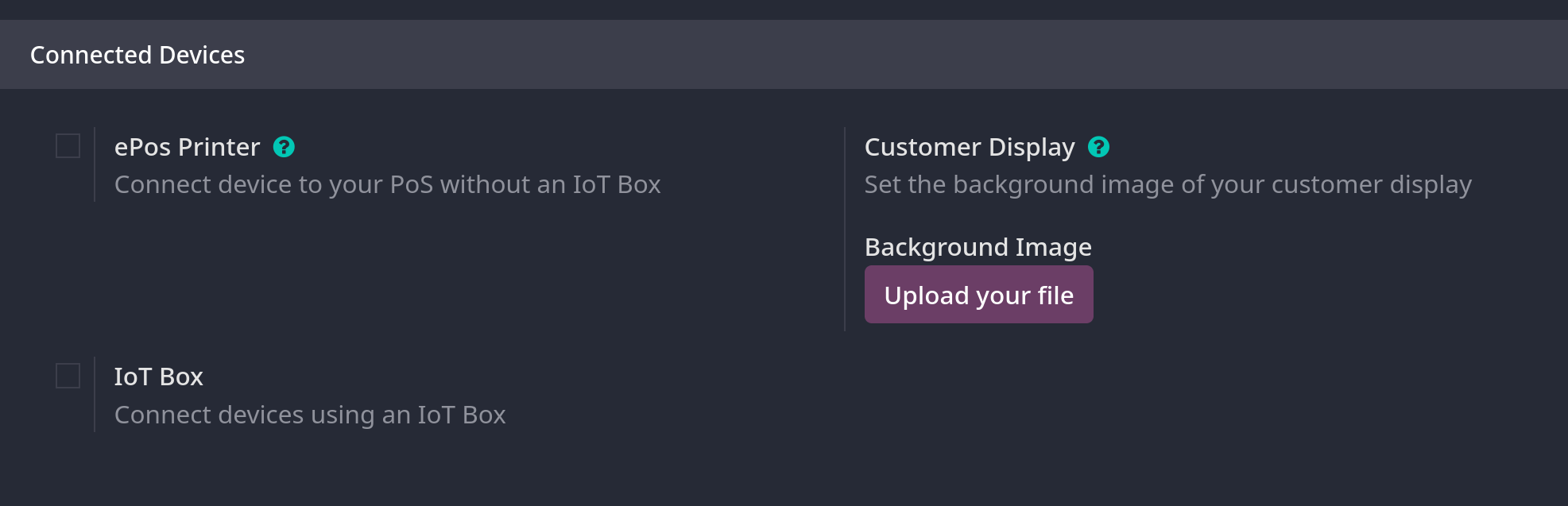
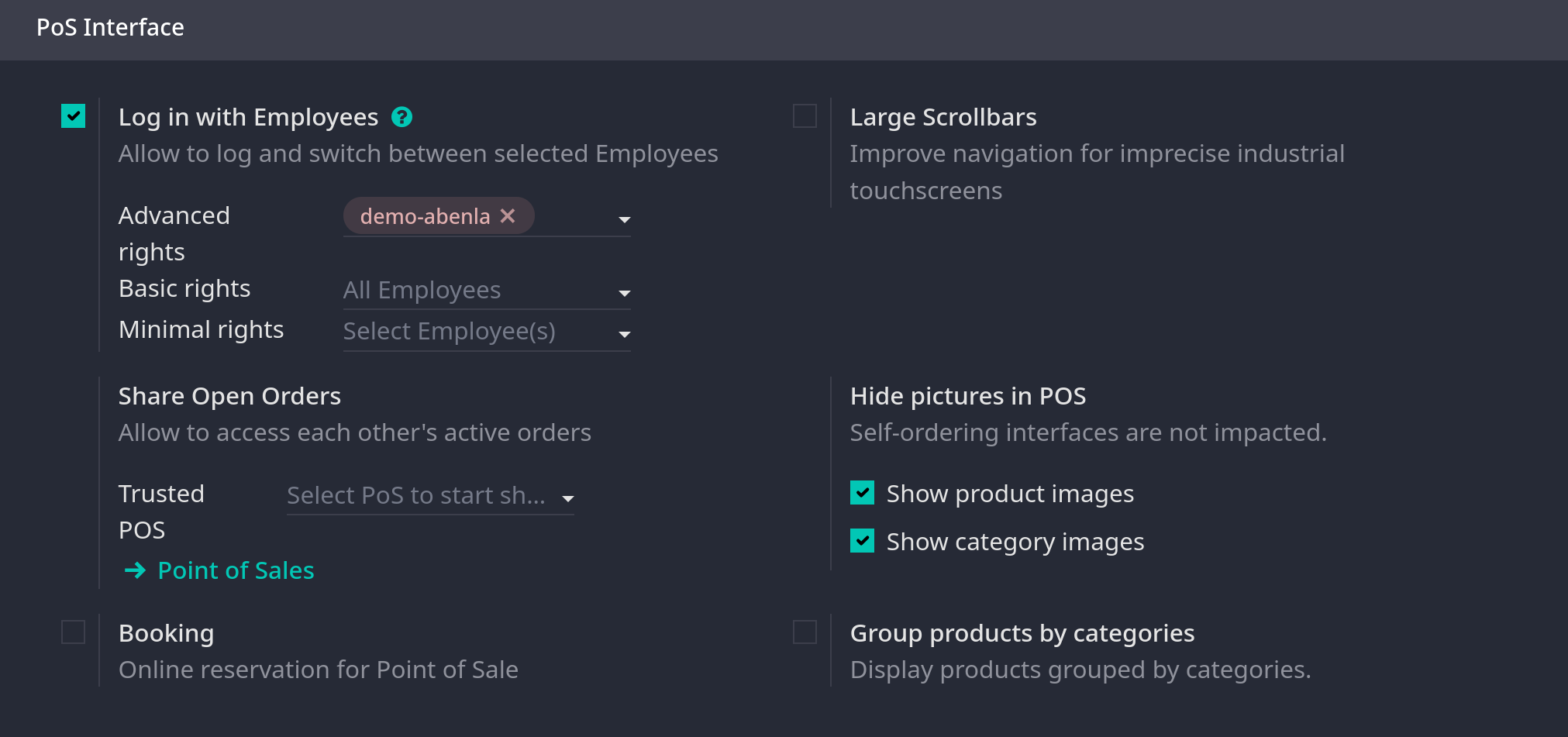
Point of Sale -> Configuration -> Settings, mở dropdown menu trong field Point of Sale và chọn POS để config -
Ghi chú: các settings này chỉ áp dụng cho Administration access rights
Make products available
- Vào
Point of Sale -> Products -> Products - Mở form
- Tick Point of Sale ở trên top của form.
PoS product categories
Configuration
- Vào
Point of Sale -> Configuration -> Pos Product Categories, chọn New để tạo mới một category. Có thể fill field Parent Category để kết hợp với category cha.
Assign PoS product categories
- Ở
Point of Sale -> Products -> Products, vào Point of Sale tab và điền field Category ở phần Point of Sale, có thể chọn một hoặc nhiều categories cho một product
Restrict categories
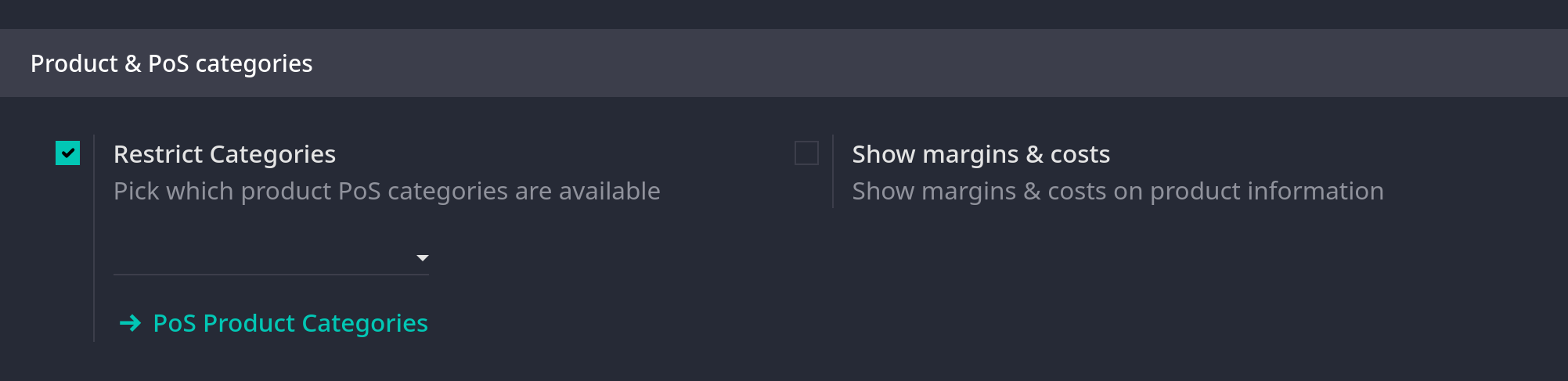
- Có thể giới hạn hiển thị categories ở giao diện POS, vào
Point of Sale -> Configuration -> Settings, mục Product & PoS Categories